 English
 German


Course & Batch Management
Course & Batch Management in VirtualX Pro provides a structured and scalable approach to organizing academic programs and training initiatives.


Please log in to the system to start your assessment journey.
Please log in to the system to start your assessment journey.
Please log in to the system to start your assessment journey.
Please log in to the system to start your assessment journey.
Course & Batch Management in VirtualX Pro provides a structured and scalable approach to organizing academic programs and training initiatives.
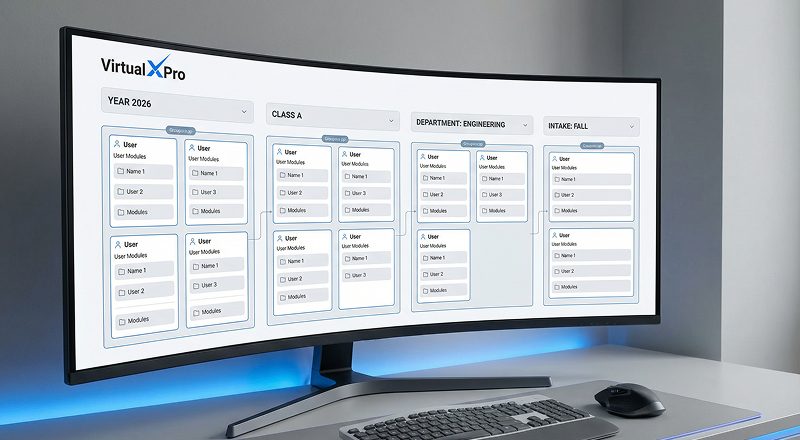
Create a batch to define a specific time period for a course by entering the Batch Name, Start Date and End Date.

Provide the required batch information including Batch Name, Start Date and End Date to set the active duration of the batch.
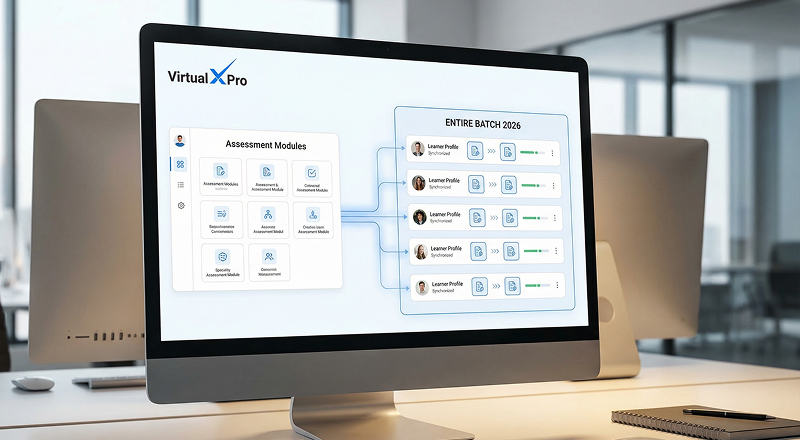
Select and link the relevant courses that will be delivered within the created batch.

Enable the Published option to make the batch available to users for access within the defined schedule.
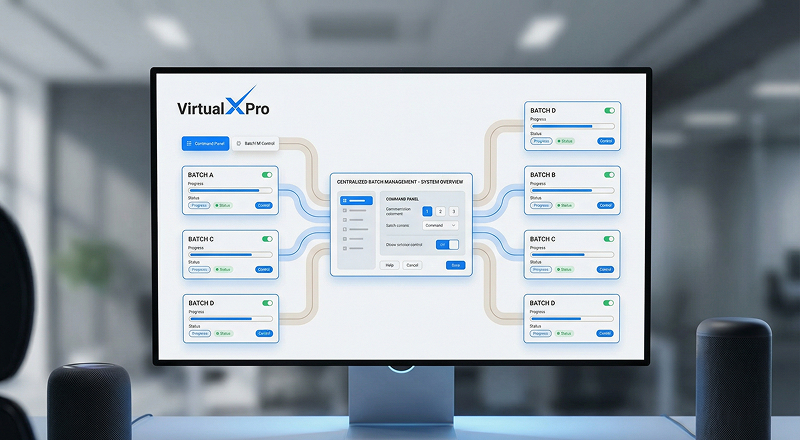
Ensure the batch operates within the configured start and end dates, allowing controlled access to the assigned courses.

Add a new course by entering the course name, which represents the overall program name.
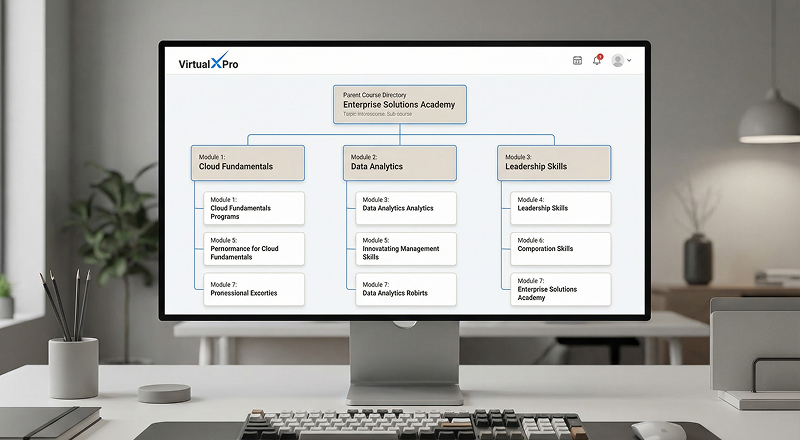
Set the basic course information and structure, allowing the course to be organized within the batch.

Save and activate the course to make it available for adding a batch and a batch course.
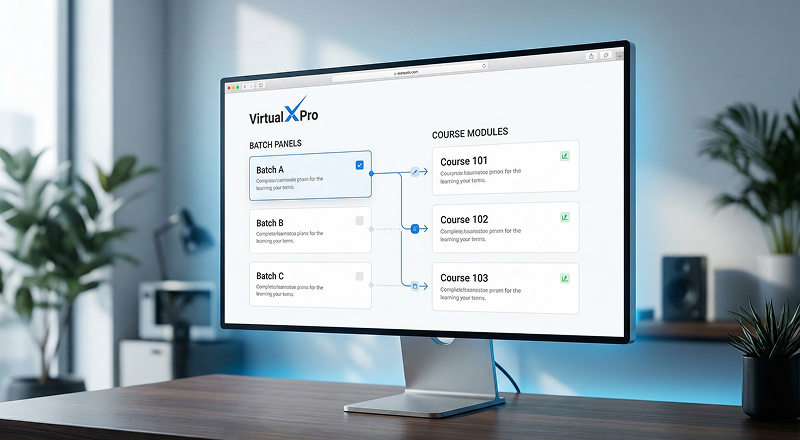
Associate each batch with its respective course.
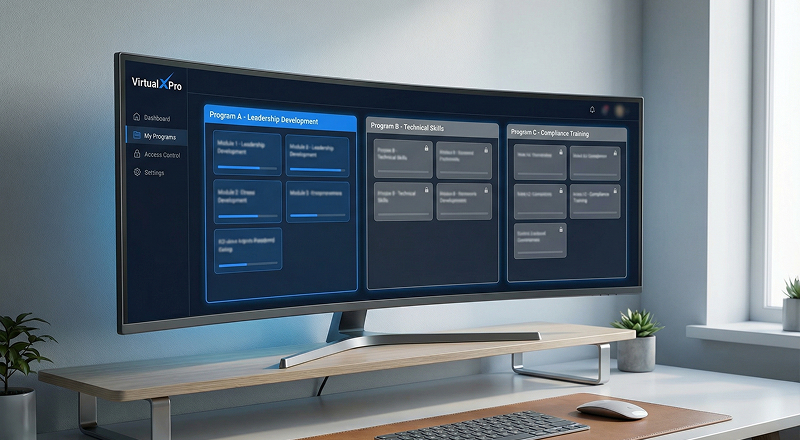
Prevent cross-program content confusion.

Maintain clean, accurate and structured data.
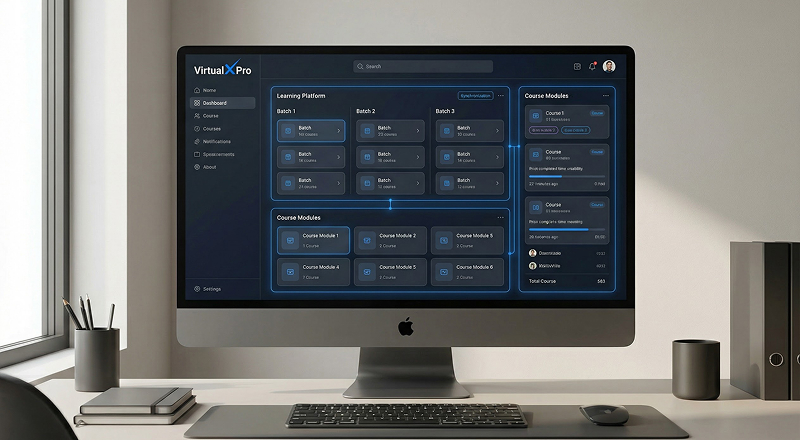
Ensure seamless coordination between batches and courses across the system.
