 English
 German


Notifications & Communication
The Notifications & Communication module in VirtualX Pro keeps all users informed and updated throughout the learning and assessment process.


Please log in to the system to start your assessment journey.
Please log in to the system to start your assessment journey.
Please log in to the system to start your assessment journey.
Please log in to the system to start your assessment journey.
The Notifications & Communication module in VirtualX Pro keeps all users informed and updated throughout the learning and assessment process.
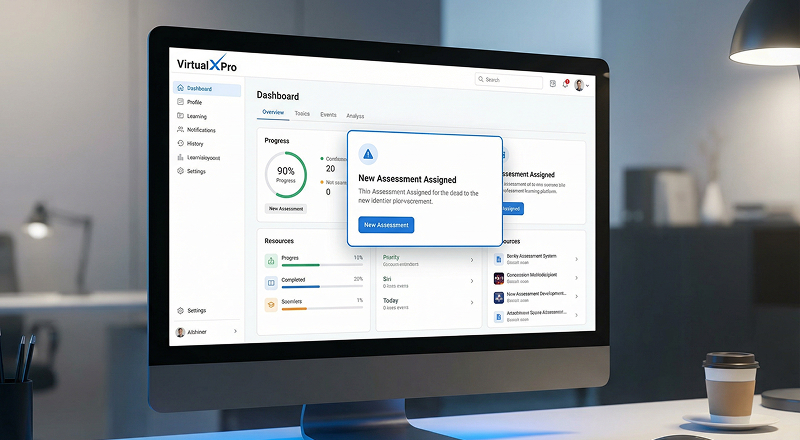
 Sent when an exam, mock test or homework is scheduled.
Notifies students, examiners and administrators.
Helps users prepare in advance.
Ensures alignment with schedules and requirements.

Sent when an exam or mock test is cancelled or rescheduled.
Immediately informs all affected participants.
Prevents confusion and missed updates.
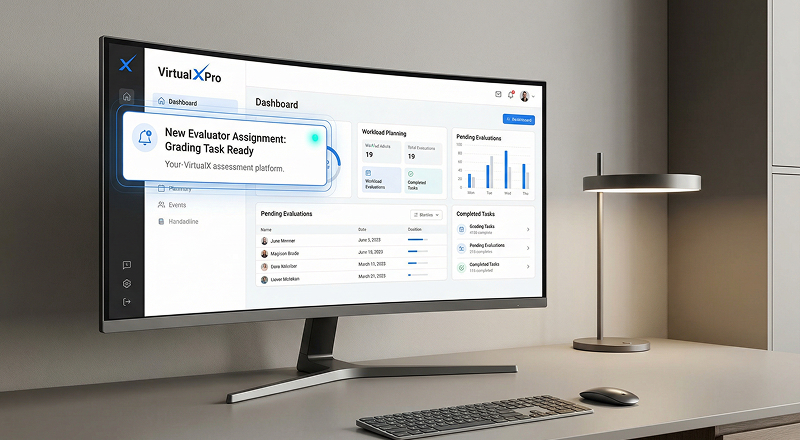
Sent when an evaluator or teacher is assigned for grading.
Helps evaluators plan their workload.
Ensures timely start of the evaluation process.

Sent when credit points are deducted for scheduling assessments.
Sent when credits are added through account top-ups.
Provides visibility into credit usage and balance.
Helps administrators manage assessment credits effectively.
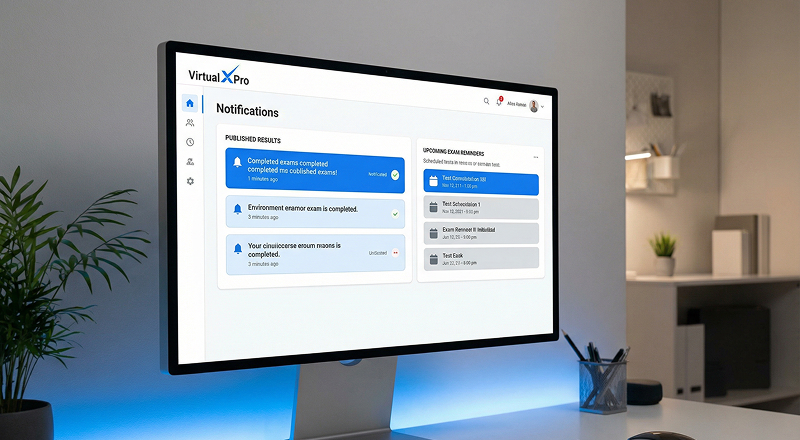 Result Published Notification:
Sent when exam, mock test or homework results are published.
Allows students to view scores and feedback.
Enables teachers and admins to review performance.
Exam Reminder NotificationSent one hour before the exam starts.
Helps students log in on time and reduces last-minute issues.

Notifies administrators when credit balance is low.
Helps plan upcoming exams without interruptions.
Prevents unexpected credit shortages.

Alerts users before the subscription expires.
Ensures uninterrupted access to platform features.
Supports timely renewal decisions.

Sent when a user account is approved by an administrator.
Confirms successful account activation.
Enables immediate access to assigned features.
