 English
 German


Reports & Analytics
The Reports & Analytics module in VirtualX Pro helps institutions understand performance and progress using clear and meaningful data.


Please log in to the system to start your assessment journey.
Please log in to the system to start your assessment journey.
Please log in to the system to start your assessment journey.
Please log in to the system to start your assessment journey.
The Reports & Analytics module in VirtualX Pro helps institutions understand performance and progress using clear and meaningful data.

Reports are instantly generated once the exam is completed, eliminating manual effort and saving time.

View key exam metrics including total score, duration taken and exam completion status.

Analyze how students performed on each question with detailed accuracy and response insights.

In the report highlights strong areas and pinpoint areas where students need further improvement.

Allow authorized users to securely access and review exam reports anytime.
PDF Report – complete exam overview
Excel Report – sortable exam-level summary
Exam Analytical Report – in-depth performance insights
Batch Course Student Report – consolidated batch-wise results
Batch Course Exam Report – exam performance mapped to courses and batches

Capture and store every mock test attempt, including retries, for complete tracking.

Monitor how students perform across different attempts to understand consistency and progress.

Compare scores from multiple attempts to evaluate learning progress and improvement.

Allow administrators and test creators to access and review mock test performance reports.
Mock Test History Report – complete attempt history for all students

Record and manage all homework assignments distributed to students.

Track whether assignments are completed, pending or submitted by students.

Show performance details including scores and answer accuracy for each assignment.

Enable administrators, examiners and question setters with clear visibility and control over homework progress and results.
Overall Homework Report – full breakdown of all homework assignments

Create a comprehensive overview of each student’s academic performance and learning patterns.
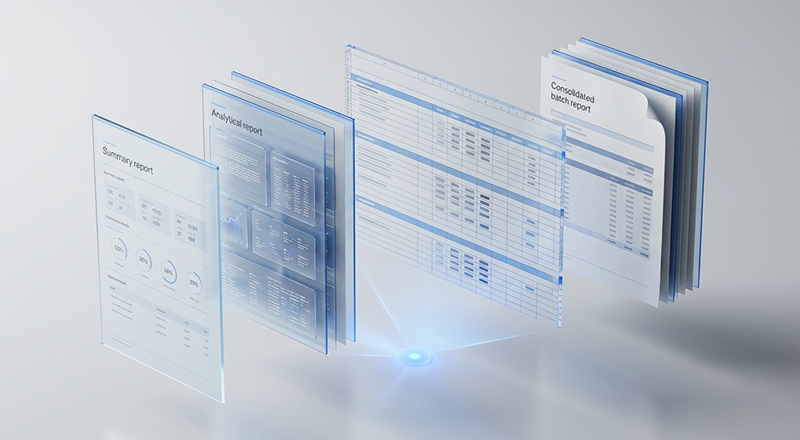
Provide secure access for educators, administrators and question setters to review student progress and outcomes.

Support report downloads and advanced analysis using various reporting formats.
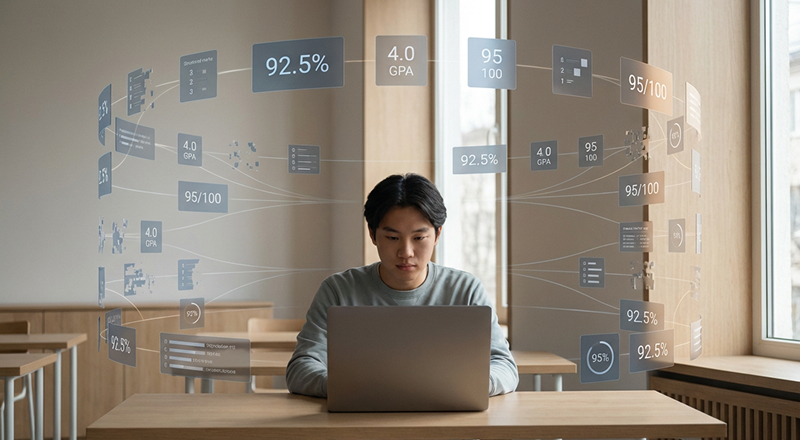
Use this reporting and analytics to support personalized learning strategies, academic planning and performance improvement initiatives.
Mock Test Detailed Report
Mock Test History Report
Student Exam Report
Student Excel Report
Student Homework Report

Provide real-time visibility into ongoing exam sessions and student activities.
-bff7617253e03f931a7b68c22307ed6fc27ee7d2570a59cc069c81b5957521b4.jpg)
Monitor each student’s current status during the exam to ensure active participation.

Generate live updates and insights to track and manage multiple login activities in real time.

Allow administrators to respond quickly to issues during the exam session.

Maintain a controlled exam environment that supports secure and fair assessments.
